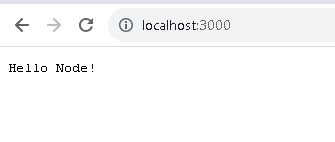
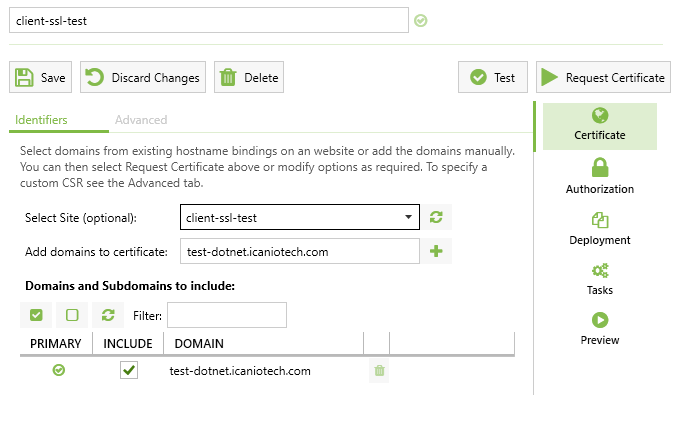
a. First step is to run the Web Application locally or on a server
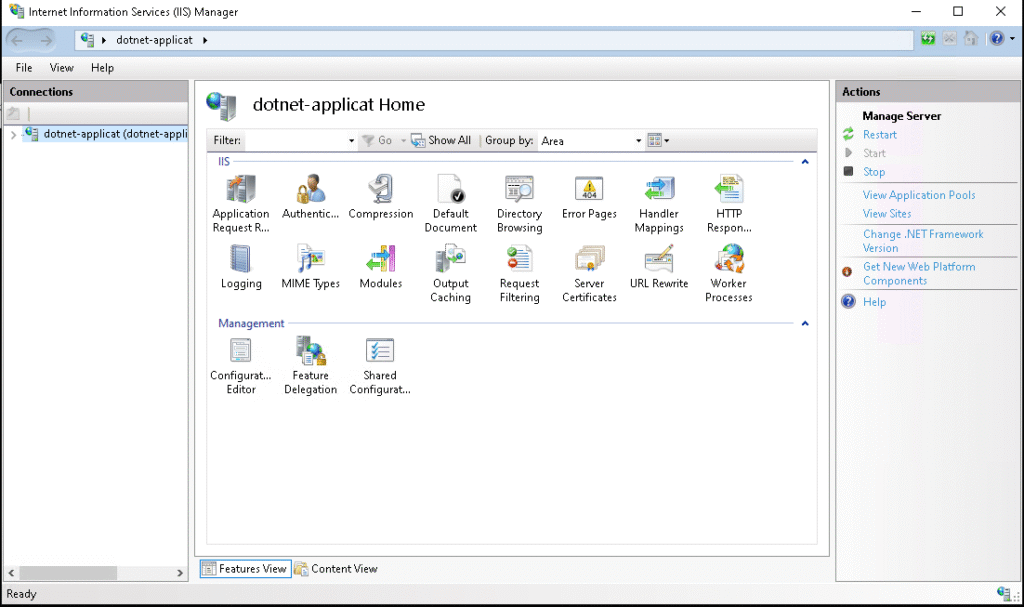
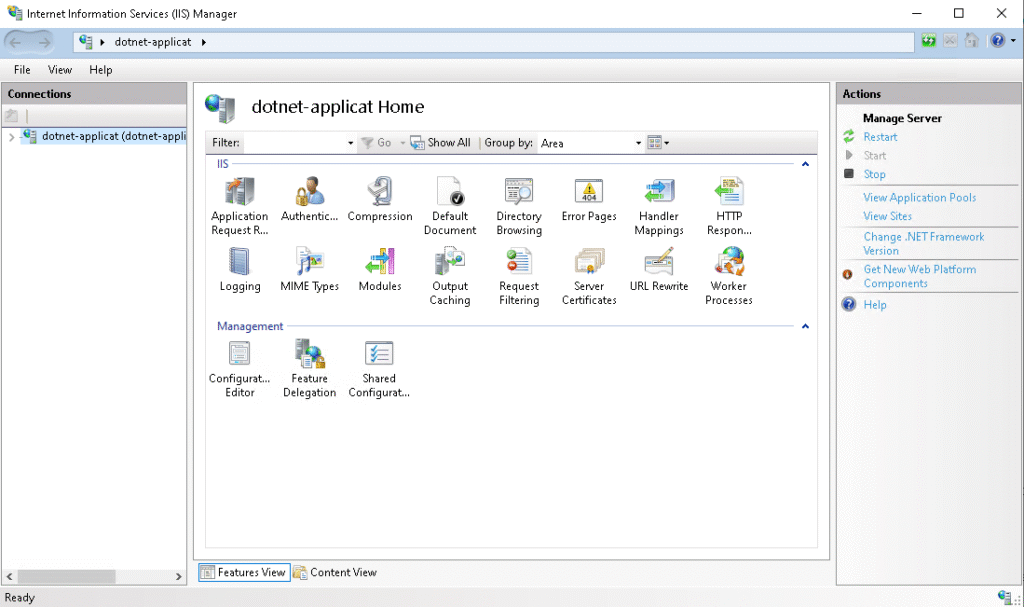
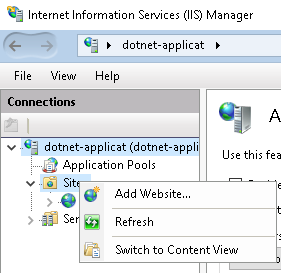
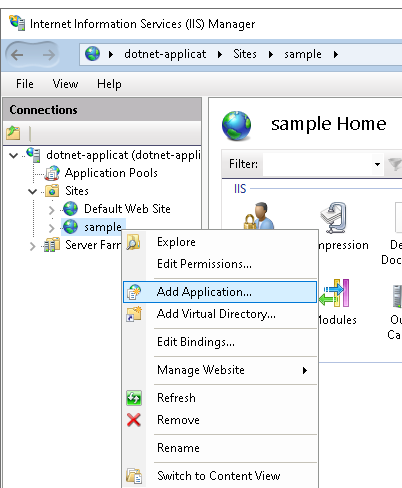
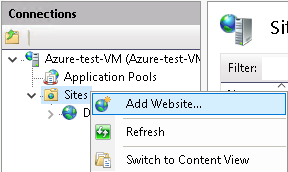
b. Then, Open IIS and right-click on the Site folder located in the Connections tab, and click the Add Website
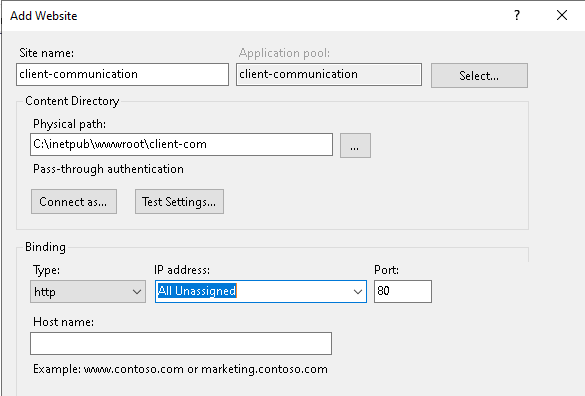
c. Enter the new name for the site
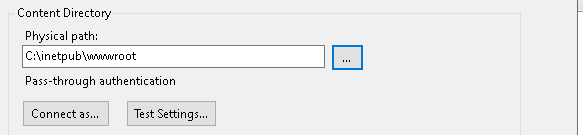
d. Add any temporary path
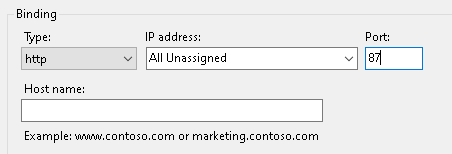
e. Set a unique port number and then click OK
3. Add the NodeJS Localhost URL to IIS URL Rewrite
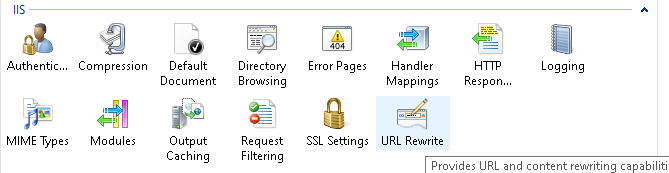
a. Select the Site you created just before and double-click on the URL Rewrite
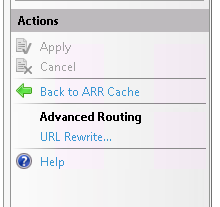
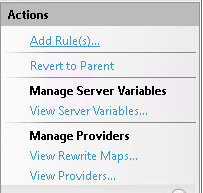
b. Double click on the Add rules which is located on Actions tab
c. Double-click on the Reverse Proxy
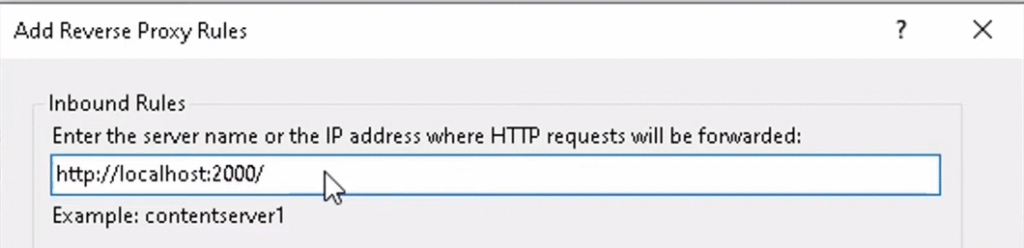
d. Put the URL of your Application and Click OK
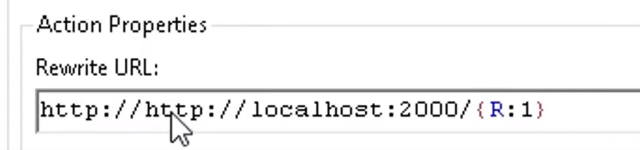
e. After creating the URL Rewrite, double-click on this Rewrite folder
g. Then apply the Changes, and you will now be able to use your NodeJS application in IIS