
Last week, I faced a frustrating issue in Entity Framework Core that wasted almost two hours of debugging time.
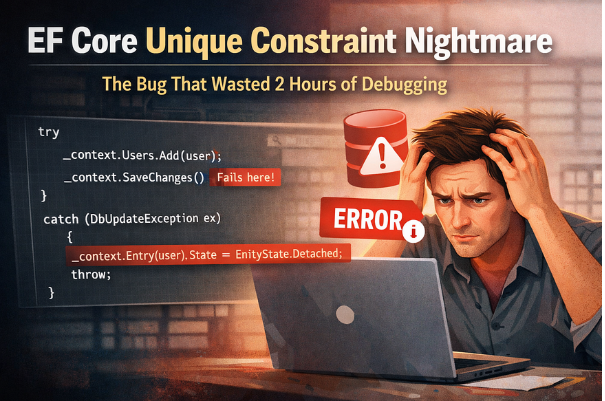
It looked simple:
Let’s say you have a table with a unique constraint:
And you try inserting a duplicate:
var user = new User
{
Email = “test@example.com”
};
context.Users.Add(user);
await context.SaveChangesAsync();
You’ll get something like:
Cannot insert duplicate key row in object ‘Users’
with unique index ‘IX_Users_Email’
So far, so good.
Here’s what confused me:
Even after correcting the value and retrying:
user.Email = “new@example.com”;
await context.SaveChangesAsync();
It still fails.
At this point, I was thinking:
When SaveChanges() fails, EF Core does not automatically reset the entity state.
So the entity remains in the Added state:
And EF keeps trying to insert it again.
So every future save attempt continues failing.
You can check this:
public class MyDbContext : DbContext
{
protected override void OnConfiguring(DbContextOptionsBuilder options)
{
options.LogTo(message => Console.WriteLine(message), Microsoft.Extensions.Logging.LogLevel.Information);
}
}
// This code log all the SQL operation done by EF, So console can see what are the SQL fired.
Solution 1: Detach the Entity
After a failed save, detach the entity:
context.Entry(user).State = EntityState.Detached;
This removes it from tracking.
Solution 2: Clear the Change Tracker
In EF Core 5+:
context.ChangeTracker.Clear();
This is useful when multiple entities are being tracked.
Final Code:
Wrap SaveChanges:
public Guid CreateUser(string userName, string email)
{
var user = new User
{
UserName = userName,
Email = email
};
try
{
// Step 1: Add the entity to EF Core context
_repository.Users.Add(user);
// Step 2: Save changes (Exception will occur if Email is duplicate)
_repository.Save();
return user.UserId;
}
catch (DbUpdateException ex)
when (ex.InnerException is SqlException sqlEx &&
(sqlEx.Number == 2627 || sqlEx.Number == 2601))
{
// Unique constraint violation detected
// Step 3: Detach entity from EF tracking
_repository.Entry(user).State = EntityState.Detached;
// Step 4: Rethrow or handle the exception as needed
throw;
}
}
Now your DbContext won’t stay in a broken state.
A failed SaveChanges() means:
So you must reset tracking manually.
No posts were found for provided query parameters.
Quick Links
Careers
Internship
Contact Sales
© 2025
Icanio - All rights reserved.